Basic A+ vs. Premium A+: Key Differences
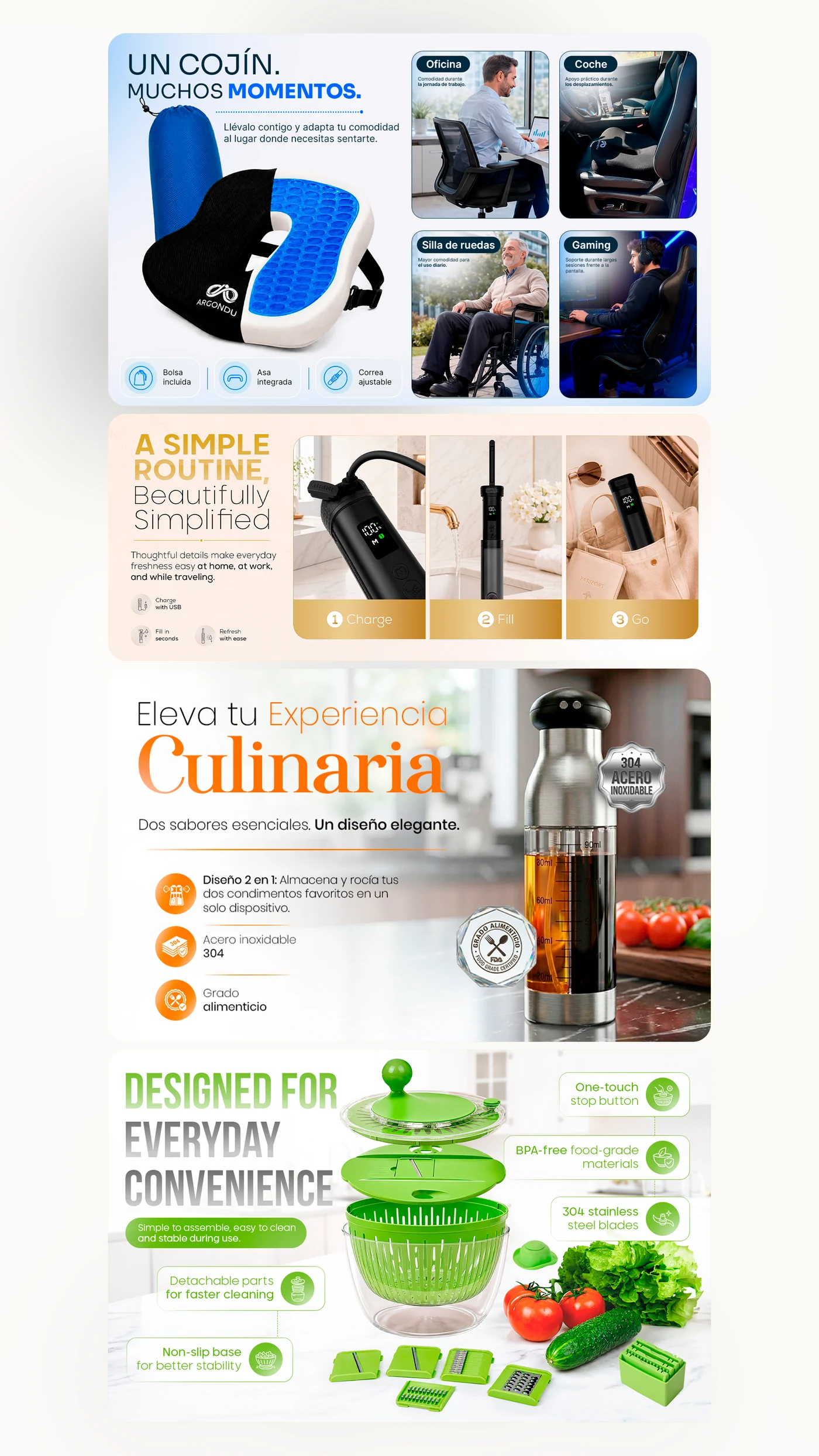
Standard A+ Content (Basic A+) allows eligible brand owners to place up to five modules featuring static images, headers and descriptive copy on their product detail pages. In contrast, Premium A+ (often referred to as A++) expands that layout up to seven wider modules (up to 1464 px wide) alongside interactive and multimedia capabilities.
Key Premium features include interactive swipe carousels, full-width or inline video modules, clickable shoppable image hotspots, comprehensive interactive comparison tables and accordion-style FAQ dropdowns. This creates an immersive experience tailored specifically for mobile shoppers.
Current Amazon Eligibility Requirements in 2026
To qualify for Premium A+ access on Amazon in 2026, your seller or vendor account must satisfy several criteria across your brand portfolio:
- Active Amazon Brand Registry: The brand must be registered with Amazon Brand Registry with confirmed Brand Owner or authorized representative rights.
- Published Brand Story across your catalog: An approved Amazon Brand Story module must be active on 100% of the active ASINs registered under the brand in your catalog.
- At least 5 approved A+ projects in 12 months: You must have submitted, had approved, and published at least five distinct Basic A+ Content projects within the rolling past 12 months.
These three prerequisites form the official criteria evaluated by Amazon when granting Premium A+ access.
How to Verify Access in Seller Central
Checking whether your account has unlocked Premium A+ takes just a few steps inside Seller Central:
- Log in to Seller Central and navigate to Advertising > A+ Content Manager.
- Click the button labeled «Start creating A+ content».
- Inspect the available cards. Once your account is validated by Amazon, you will see the «Premium A+ Content» card available and selectable alongside the Basic and Brand Story options.
- Entering the Premium creator will reveal the full library of advanced interactive modules, including video embeds, hotspot charts and carousel banners.
Why Some Sellers Don’t See Access Despite Meeting Requirements
It is common for sellers to fulfill the core criteria and wonder why the Premium option does not appear immediately. Frequent reasons include:
- Periodic evaluation batches: Amazon does not unlock Premium A+ instantaneously upon the approval of your fifth project. Access is granted in automated cycles, often around the end of each month or bi-weekly.
- Child variations or dormant ASINs missing Brand Story: Amazon requires the Brand Story to be applied to all catalog ASINs. If a single variation child or inactive listing under the brand lacks the Brand Story, access may be withheld.
- Expiration of older projects: Projects approved more than 12 months ago roll off the qualifying threshold. The minimum of 5 approved projects must fall within the rolling 12-month window.
- Regional marketplace separation: Access is evaluated on a per-marketplace or regional basis. Fulfilling requirements in North America does not automatically unlock Premium in European accounts.
The Strategic Role of Amazon Brand Story
Amazon Brand Story is not merely a bureaucratic prerequisite for unlocking Premium A+. Located immediately above the A+ section on product pages, it occupies prime detail page real estate on both mobile screens and desktop monitors.
A thoughtfully designed Brand Story communicates brand origin, manufacturing ethics, product ranges and customer values, while providing carousel links to explore other catalog offerings. When shoppers scroll further into your A+ modules, they do so with established brand trust.
Planning Five Useful A+ Projects Without Low-Quality Filler
A frequent pitfall is rushing five hollow Basic A+ submissions filled with duplicate banners or thin text simply to reach the qualification quota. This wastes effort and damages customer trust on live listings.
Instead, follow a purposeful catalog roadmap:
- Select your top 5 core parent ASINs or product lines with the highest traffic and potential.
- Analyze customer reviews and Q&A to identify the primary objections and purchase barriers for each item.
- Design a dedicated 5-module Basic A+ narrative for each product, clarifying sizing, use cases, compatibility and differentiators.
- Review every module on mobile screens to ensure legibility and visual hierarchy before publishing.
Using this approach, all five projects immediately contribute to commercial clarity while advancing your account toward Premium A+ qualification.
Information and Assets to Prepare for Premium A+
Developing high-converting Premium A+ requires preparing assets suited for widescreen and interactive presentation:
- High-resolution visuals: Premium modules require 1464 px wide imagery. Standard low-resolution web files will appear blurry. 3D renders or high-definition product photography are essential.
- Video assets: Short clips (15 to 45 seconds), well-paced, visually self-explanatory without relying solely on sound, and equipped with clear text captions.
- Concise visual copy: Short headlines and bulleted claims. Mobile shoppers scan rapidly and will skip lengthy text paragraphs.
- Verified comparison specifications: Concrete technical details, dimensions, materials and features for interactive comparison charts.
Amazon Policy Disclaimer and Next Steps
Important disclaimer: Amazon independently establishes and updates eligibility criteria, module specifications and program terms. Requirements may change at any time, and final availability must always be confirmed directly in Seller Central. Skuvia Studio does not guarantee or provide direct access to Premium A+.
To plan and produce a cohesive module architecture that meets Amazon guidelines, explore our Premium A+ design and standard A+ workflows. You can also explore our Amazon Brand Story design or request an Amazon listing audit to inspect what your catalog needs.