What Amazon A+ Alt Text Is and Why Amazon Requires It
When uploading any image asset within the A+ Content Manager in Amazon Seller Central, sellers must complete a mandatory field titled «Image alt-text». Without entering text into this field, Seller Central refuses to save drafts or permit content submission for Amazon policy review.
The fundamental mission of alternative text is digital accessibility: providing descriptive, auditory equivalents for visually impaired shoppers navigating Amazon detail pages via screen reader software (such as JAWS, NVDA, or Apple VoiceOver).
The Crucial Distinction Between Genuine Accessibility and Keyword Stuffing
Many Amazon brand owners make the mistake of treating the alt-text box as an extra backend search term field, copy-pasting disconnected keyword strings (e.g. «bluetooth headphones wireless earbuds running sports noise cancelling workout gym bass gift men women»).
This practice, known as keyword stuffing, triggers three significant problems:
- Risk of moderation rejection: Amazon review teams and automated compliance algorithms regularly flag and reject A+ Content submissions that contain nonsensical keyword lists in alt-text fields.
- Destructive screen-reader experience: A customer relying on assistive technology hears a chaotic string of marketing terms that provides zero clarity regarding what the image actually demonstrates.
- Missed context opportunities: Reusing the exact same keyword string across five distinct modules wastes the opportunity to describe the unique visual evidence shown in each asset.
Character Guidelines: Navigating the 100-Character Threshold
Amazon officially recommends keeping image alternative text under 100 characters (including spaces). While Seller Central may technically accept longer strings in certain modules, screen readers and search indexing engines prioritize concise, direct descriptions.
A dependable guiding question is: «If a shopper could not see this graphic, what is the single most important detail they must understand about what is depicted?».
Comparative Matrix: Bad Alt Text (Keyword Dump) vs. Good Alt Text (Functional)
| A+ Module Format | Incorrect Alt Text (Keyword Stuffing) | Descriptive, Accessible Alt Text (Recommended) |
|---|---|---|
| Main Hero Banner | «stainless steel travel mug insulated tumbler coffee cup hot cold leakproof gym car» | «Matte black travel mug shown in three-quarter profile highlighting leakproof lid and carry loop» |
| Dimensional Technical Infographic | «dimensions kitchen rack spice organizer bamboo shelf counter cabinet large storage» | «Dimension diagram: 16.5 inches wide, 11.8 inches deep, and 4.7 inches high on kitchen countertop» |
| Materials / Engineering Close-up | «forged high carbon steel kitchen knife chef knife sharp edge wooden handle ergonomic» | «Macro detail of forged steel blade texture and riveted ergonomic pakkawood handle» |
| Catalog Comparison Chart | «best air fryer comparison chart digital basket family size oil free cooker compact» | «Comparison table contrasting quart capacity, presets, and wattage across Compact, Plus, and Max models» |
Alt Text Guidelines by Module Type
Tailor your alt-text phrasing directly to the visual objective of each module:
- Lifestyle & in-context imagery: Describe the user, the product, and the functional environment (e.g. «Runner wearing moisture-wicking armband while checking smartphone screen on trail»).
- Technical infographics with copy callouts: Summarize the key physical feature demonstrated (e.g. «Cutaway diagram illustrating three-layer thermal insulation and vacuum seal»).
- Comparison matrices: State the purpose of the chart and the primary metrics evaluated across catalog lines.
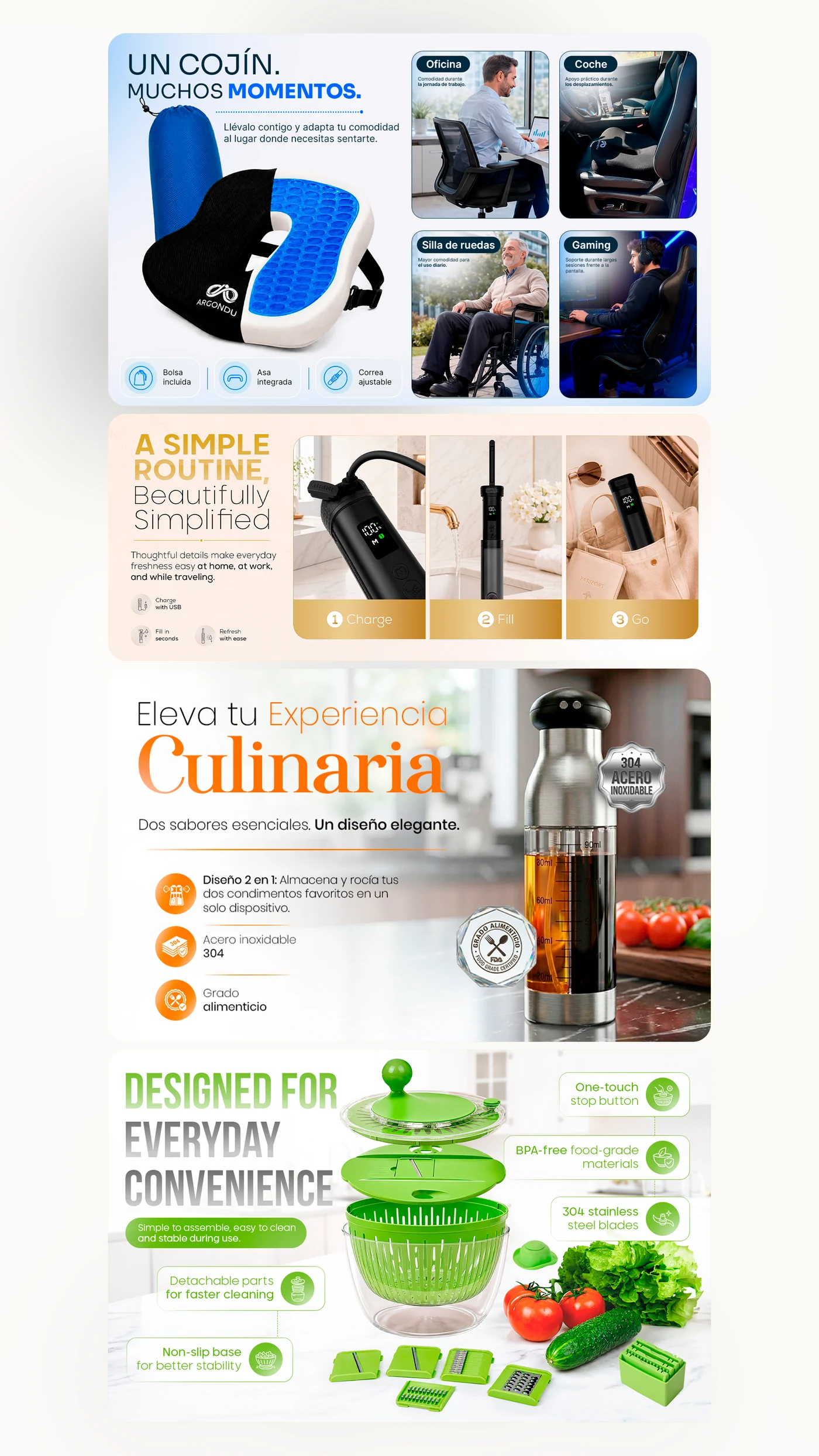
- Modules with embedded headlines: Because Amazon indexes native A+ text, ensure alt-text mirrors primary embedded typography so screen readers communicate the intended message.
Pre-Submission Alt Text Checklist for Seller Central Compliance
Before submitting your A+ draft for Amazon publishing review, verify these five checkpoints:
- Is every alt-text string uniquely tailored to its specific module image?
- Is the copy written in natural, grammatically correct sentences that sound coherent when read aloud?
- Does each entry remain around the recommended 100-character guideline?
- Is the text free of prohibited claims (e.g. «#1 rated», «best seller», warranty promises, or pricing language)?
- Does it truthfully convey visible product features without speculative marketing hype?
Learn how our studio designs and delivers publication-ready assets in our A+ Content design services.
Integrating Accessibility into a Cohesive Brand System
Accessible alt text is one integral component of a holistic Amazon detail page strategy. When paired with high-impact Amazon listing image design and an authentic Amazon Brand Story design, your listing achieves technical compliance while delivering an elite shopping experience to every visitor.
Inspect our modular work in the A+ Content case study, compare creative tiers on our Amazon design pricing page, or request an Amazon listing audit to evaluate your product presentation.